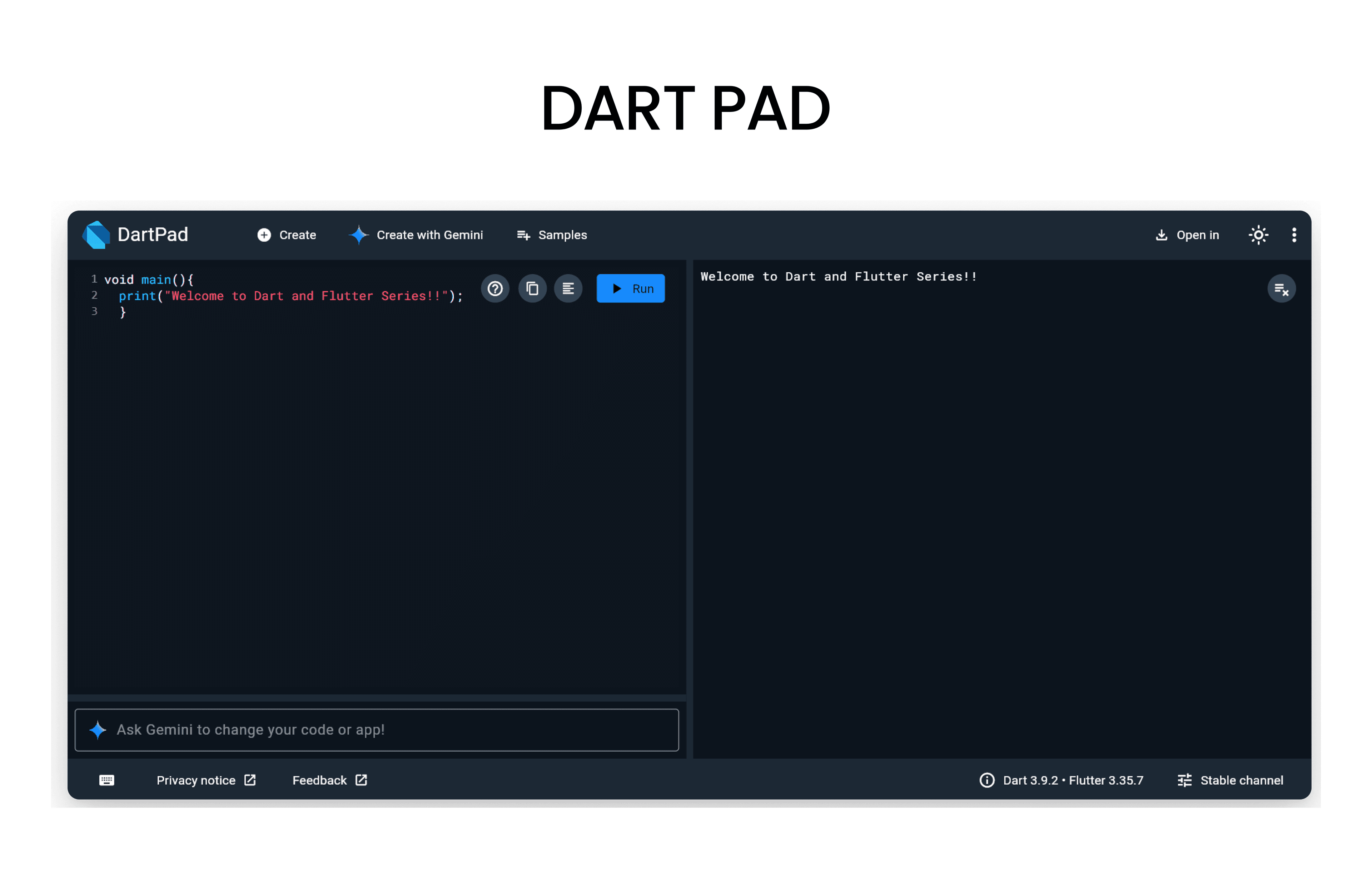
Before we start, open DartPad - it's a browser-based Dart editor where you can run all the code examples!
What are Variables?
Variables are containers that store data values. Think of them like labeled boxes where you can put information and retrieve it later.
Declaring Variables in Dart
Basic Syntax
A variable declaration starts with the data type, followed by the variable name, and the value assigned using =.
dataType variableName = value;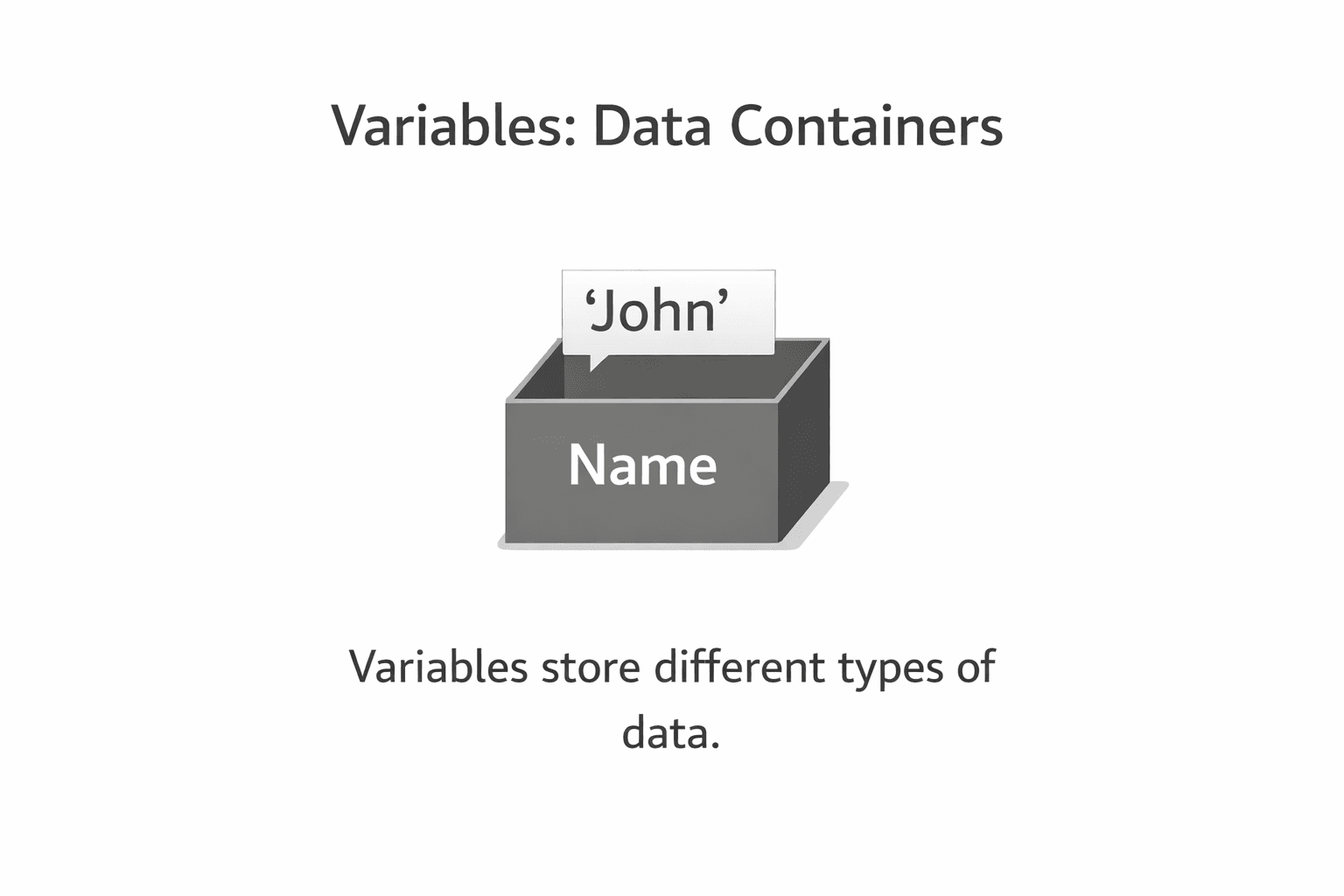
Common Data Types
void main() {
  int age = 25;           // Integer (whole numbers)
  double height = 5.9;    // Double (decimal numbers)
  String name = 'John';   // String (text)
  bool isStudent = true;  // Boolean (true/false)

  print('Name: $name');
  print('Age: $age');
  print('Height: $height');
  print('Is Student: $isStudent');
}
This is called statically typed - we explicitly specify the data type during declaration.
Dynamic Variable Keywords
Dart provides several keywords for declaring variables with different behaviors:
Using var
Use when you want to declare a variable that can be reassigned but maintains its inferred type.
void main() {
  var city = 'New York';  // Inferred as String
  print('City: $city');

  city = 'Los Angeles';   // OK - same type
  print('Updated City: $city');

  // city = 123;  // ERROR - can't change type!
}
Using dynamic
Use when you need a variable that can hold any type and can change types at runtime.
void main() {
  dynamic data = 42;       // Integer
  print('Data: $data');

  data = 'Hello';          // Now a String - OK!
  print('Updated Data: $data');

  data = true;             // Now a Boolean - OK!
  print('Final Data: $data');
}
Use dynamic sparingly - you lose type safety and compile-time error checking!
Using const
Use for values that are compile-time constants and will never change.
void main() {
  const pi = 3.14159;     // Constant value
  print('Value of pi: $pi');

  // pi = 3.14;  // ERROR - cannot reassign const!
}
Using final
Similar to const, but the value can be determined at runtime.
void main() {
  final currentTime = DateTime.now();  // Set at runtime
  print('Current Time: $currentTime');

  // currentTime = DateTime.now();  // ERROR - cannot reassign!
}
const vs final: Use const when the value is known at compile time. Use final when it's determined at runtime.
Null Safety in Dart
Null safety means variables cannot be null by default unless you explicitly allow it.
Bonus Tips
Embed variables in strings using $
void main() {
  String name = 'Alice';
  int age = 25;

  print('Hello, $name!');
  print('You are $age years old.');

  // For expressions, use ${}
  print('Next year you will be ${age + 1}');
}
Check variable types
void main() {
  var number = 42;
  print('Type: ${number.runtimeType}');  // Output: int

  dynamic data = 'Hello';
  print('Is String: ${data is String}');  // Output: true
}
Summary
| Keyword | Mutable? | Type Changes? | When Assigned? |
|---|---|---|---|
var | ✅ Yes | ❌ No | Runtime |
dynamic | ✅ Yes | ✅ Yes | Runtime |
final | ❌ No | ❌ No | Runtime |
const | ❌ No | ❌ No | Compile time |
Up Next: In the next lesson, we'll explore Control Flow in Dart - if statements, loops, and more!
Resources to Learn Dart
- dart.dev - Official Dart documentation with tutorials and API references
- flutter.dev - Flutter documentation (works hand-in-hand with Dart)
- DartPad - Write, run, and share Dart code directly in your browser
- No installation required - perfect for learning and experimenting!
- Dart And Flutter Series on YouTube - Comprehensive video tutorials