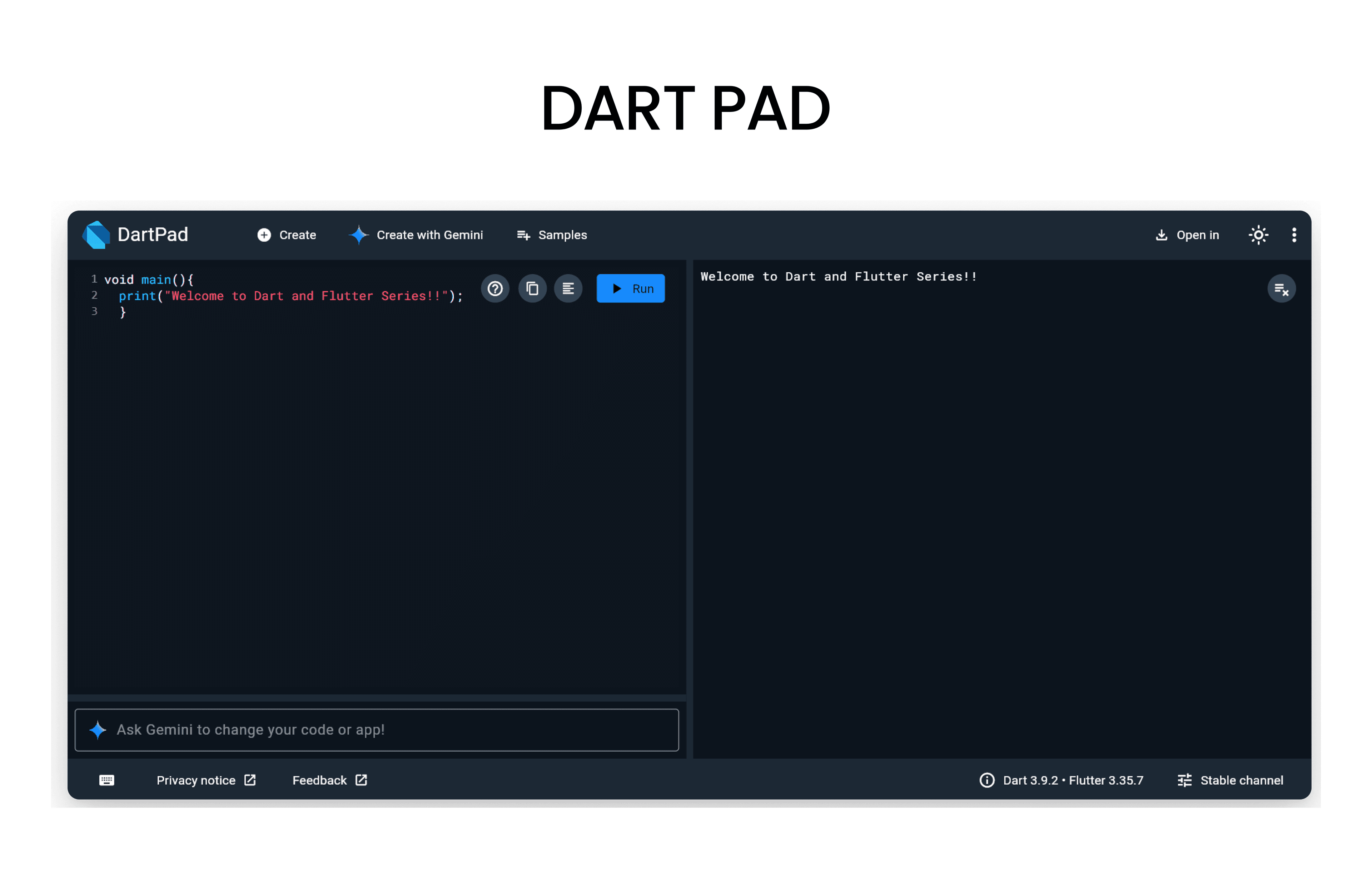
Before we start, open DartPad - it's a browser-based Dart editor where you can run all the code examples!
What are Operators?
- Operators are symbols that help perform operations on values, such as calculations, comparisons, and logical checks.
- Arithmetic Operators
- Logical Operators
- Assignment Operators
- Ternary Operators
- Cascade Operators
- Typecast Operators
Arithmetic Operators
- Used for simple math calculations like addition,subtraction,multiplication,division etc.
Example
void main() {
  int a = 10;
  int b = 5;

  print('Addition: ${a + b}'); // 15
  print('Subtraction: ${a - b}'); // 5
  print('Multiplication: ${a * b}'); // 50
  print('Division: ${a / b}'); // 2.0
  print('Modulus: ${a % b}'); // 0
}
Note: Try this code in DartPad to see the output.
Logical Operators
- Helps to combine multiple boolean expressions and return a boolean result.
&&operator (AND) - Returns true if both operands are true.||operator (OR) - Returns true if at least one operand is true.!operator (NOT) - Returns the opposite boolean value of the operand.
Example
void main() {
  bool x = true;
  bool y = false;

  print('AND: ${x && y}'); // false
  print('OR: ${x || y}'); // true
  print('NOT: ${!x}'); // false
}
Note: Try this code in DartPad to see the output.
Assignment Operators
- Used to assign values to variables.
Example
void main() {
  int a = 10; // Assignment
  a += 5; // a = a + 5
  print('a after += : $a'); // 15

  a -= 3; // a = a - 3
  print('a after -= : $a'); // 12

  a *= 2; // a = a * 2
  print('a after *= : $a'); // 24

  a ~/= 4; // Integer division
  print('a after ~/= : $a'); // 6
}
Note: Try this code in DartPad to see the output.
Null Aware Assignment Operator
- Used to assign a value to a variable only if that variable is currently null.
Example
- Lets say userName is null and we want to assign a default value.
void main() {
  String? userName; // userName is null

  userName ??= 'Guest'; // Assign 'Guest' only if userName is null
  print('User Name: $userName'); // Output: User Name: Guest
}
Ternary Operator
- A shorthand way of writing an
if-elsestatement.? represents the "if" part, and : represents the "else" part(condition) ? expressionIfTrue : expressionIfFalse
Example
void main() {
  int age = 20;

  String eligibility = (age >= 18) ? 'Eligible to vote' : 'Not eligible to vote';
  print(eligibility); // Output: Eligible to vote
}
Cascade Operator
- Used to perform multiple operations on the same object without rewriting name again and again.
Example
class Person {
  String name = '';
  int age = 0;

  void displayInfo() {
    print('Name: $name, Age: $age');
  }
}
void main() {
  Person person = Person()
    ..name = 'Alice'
    ..age = 30
    ..displayInfo();
}- If your not familiar with classes, don't worry we will cover it in upcoming sections. Note: Try this code in DartPad to see the output.
Type Cast Operator
- Its either to check the type of an object or to cast an object to a different type.
isoperator - Used to check if an object is of a specific type.asoperator - Used to cast an object to a specific type.
Example
void main() {
  dynamic value = 'Hello, Dart!';

  // Using 'is' operator
  if (value is String) {
    print('Value is a String with length: ${value.length}');
  }

  // Using 'as' operator
  String strValue = value as String;
  print('Casted Value: $strValue');
}
Resources to Learn Dart
- dart.dev - Official Dart documentation with tutorials and API references
- flutter.dev - Flutter documentation (works hand-in-hand with Dart)
- DartPad - Write, run, and share Dart code directly in your browser
- No installation required - perfect for learning and experimenting!
- Dart And Flutter Series on YouTube - Comprehensive video tutorials