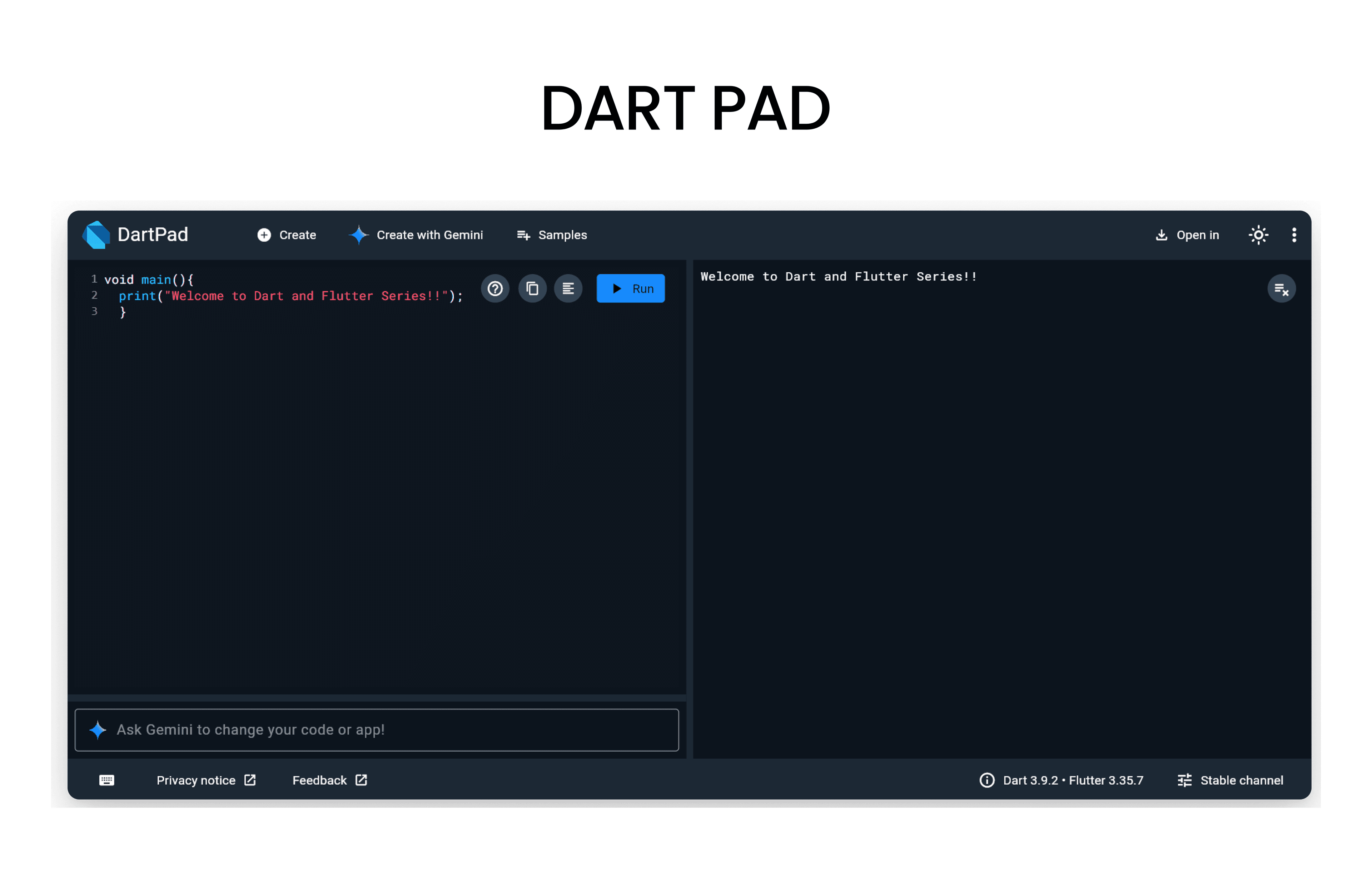
Before we start, open DartPad - it's a browser-based Dart editor where you can run all the code examples!
What are Iterable?
- Its a collection of objects that can be iterated over, meaning you can access each element one by one.
- In Dart, the two main types of iterables are Lists and Maps.
Lists in Dart
- Its the one of the useful object in Dart and also called as Array in other programming languages.
- It is an ordered collection of items where each item can be accessed using its index.
How to Declare a List in Dart?
You can declare a List using the List keyword followed by the data type of the elements inside angle brackets <> and then use square brackets [] to initialize the list with values.
void main() {
  // Declaring a List of integers
  List<int> numbers = [1, 2, 3, 4, 5];

  // Printing the List
  print('Numbers: $numbers');
}
Accessing List Elements
- You can access elements in a List using their index, which starts from 0 for the first element.
void main() {
  List<String> fruits = ['Apple', 'Banana', 'Orange'];

  // Accessing elements using index
  print('First fruit: ${fruits[0]}'); // Apple
  print('Second fruit: ${fruits[1]}'); // Banana
}
Common List Operations
- Adding Elements: You can add elements to a List using the
add()method. - Removing Elements: You can remove elements using the
remove()method. - Iterating through a List: You can use a
forloop orforEach()ormap()method to iterate through the elements of a List.
void main() {
  List<String> colors = ['Red', 'Green', 'Blue'];

  // Adding an element
  colors.add('Yellow');
  print('Colors after adding Yellow: $colors');

  // Removing an element
  colors.remove('Green');
  print('Colors after removing Green: $colors');

  // Iterating through the List Using for loop
  print('Iterating through colors:');
  for (var color in colors) {
    print(color);
  }
  // Iterating using forEach method
  print('Iterating using forEach method:');
  colors.forEach((color) {
    print(color);
  });
  // Iterating using map method
  print('Iterating using map method:');
  colors.map((color) => print(color)).toList();

}
Maps in Dart
- A Map is a collection of key-value pairs, where each key is unique and is used to access its corresponding value.
- It is also known as Dictionary or HashMap in other programming languages.
How to Declare a Map in Dart?
- You can declare a Map using the
Mapkeyword followed by the data types of the keys and values inside angle brackets<>and then use curly braces{}to initialize the map with key-value pairs.
void main() {
  // Declaring a Map with String keys and int values
  Map<String, int> ages = {
    'Alice': 25,
    'Bob': 30,
    'Charlie': 35,
  };

  // Printing the Map
  print('Ages: $ages');
}
Accessing Map Elements
- You can access values in a Map using their corresponding keys.
void main() {
  Map<String, String> capitals = {
    'USA': 'Washington, D.C.',
    'India': 'New Delhi',
    'France': 'Paris',
  };

  // Accessing values using keys
  print('Capital of USA: ${capitals['USA']}'); // Washington, D.C.
  print('Capital of India: ${capitals['India']}'); // New Delhi
}
Common Map Operations
- Adding Key-Value Pairs: You can add key-value pairs to a Map using the assignment operator
=. - Removing Key-Value Pairs: You can remove key-value pairs using the
remove()method. - Iterating through a Map: You can use a
forloop orforEach()method to iterate through the key-value pairs of a Map.
void main() {
  Map<String, double> prices = {
    'Apple': 1.5,
    'Banana': 0.75,
    'Orange': 1.25,
  };

  // Adding a key-value pair
  prices['Grapes'] = 2.0;
  print('Prices after adding Grapes: $prices');

  // Removing a key-value pair
  prices.remove('Banana');
  print('Prices after removing Banana: $prices');

  // Iterating through the Map Using for loop
  print('Iterating through prices:');
  for (var entry in prices.entries) {
    print('${entry.key}: \$${entry.value}');
  }
  // Iterating using forEach method
  print('Iterating using forEach method:');
  prices.forEach((key, value) {
    print('$key: \$${value}');
  });
}
Resources to Learn Dart
- dart.dev - Official Dart documentation with tutorials and API references
- flutter.dev - Flutter documentation (works hand-in-hand with Dart)
- DartPad - Write, run, and share Dart code directly in your browser
- No installation required - perfect for learning and experimenting!
- Dart And Flutter Series on YouTube - Comprehensive video tutorials